PAGE — Locked Page (Page 2 of 2)
Locked Page
Restrict access to selected pages so only visitors with permission can view them.
Requires: Pro or Premium package.
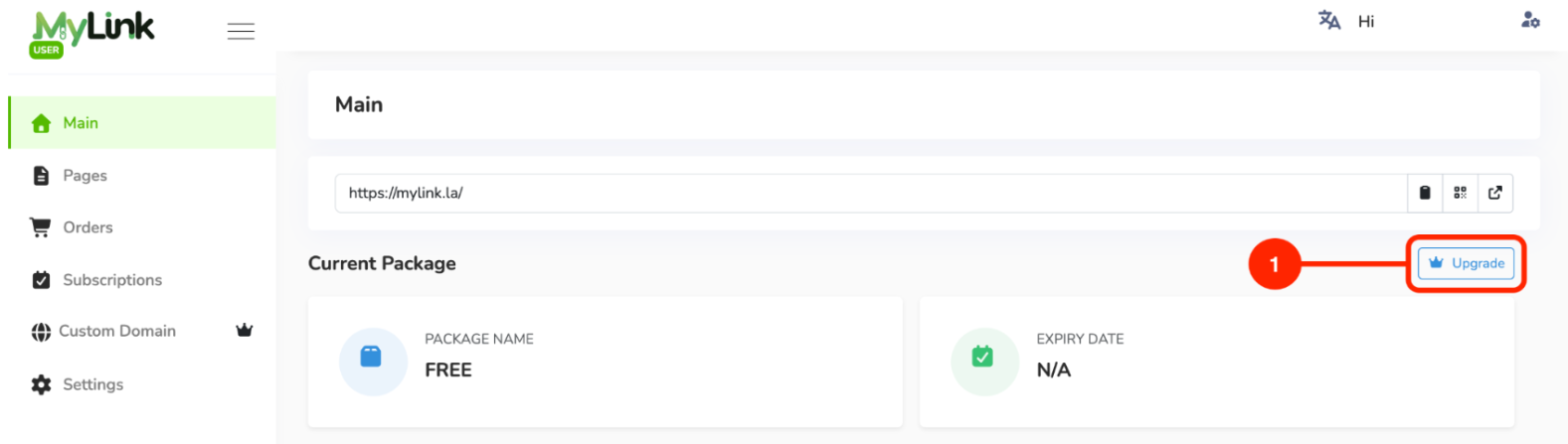
Click the Upgrade button on the Main page.
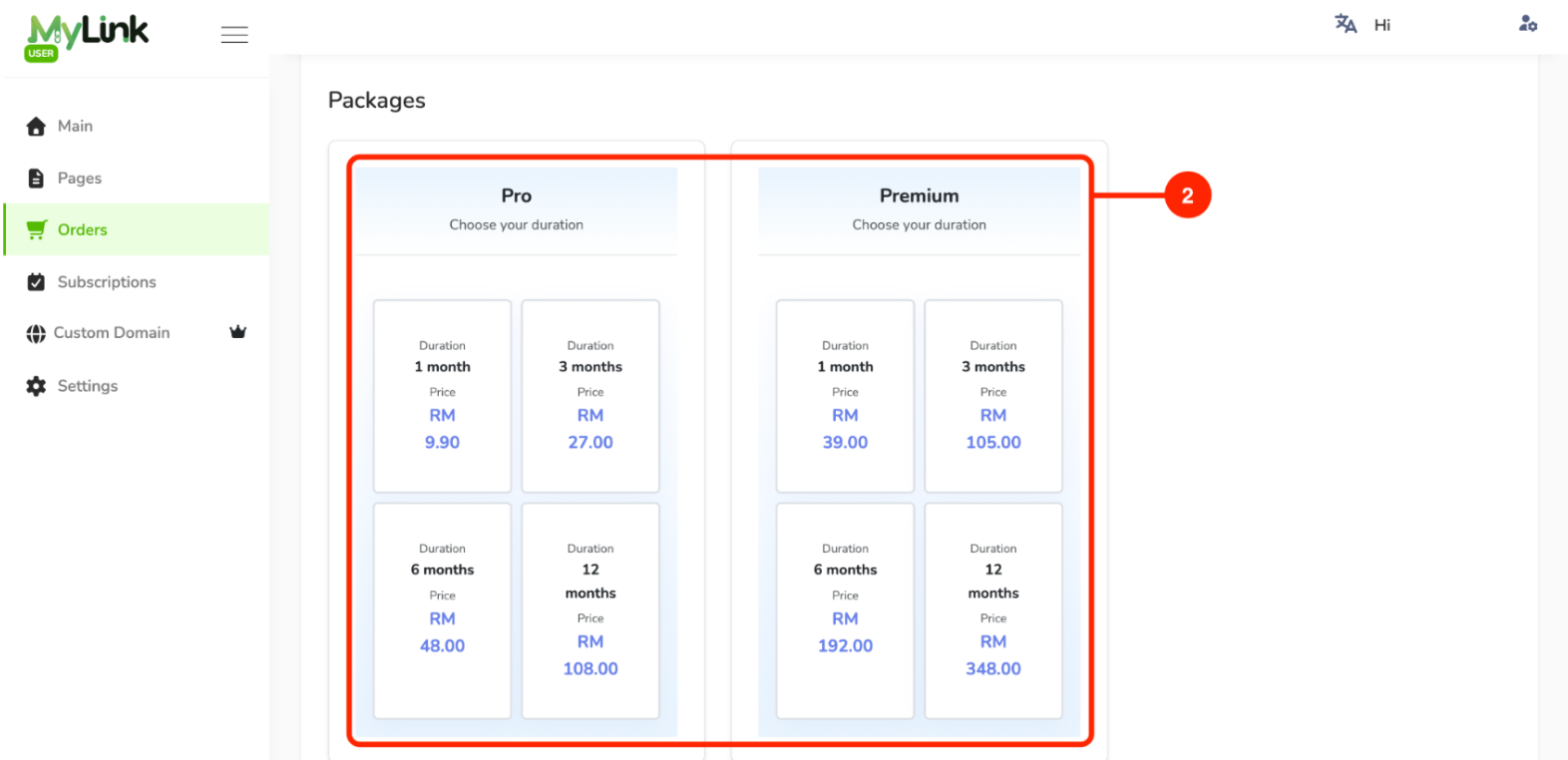
Select the package and choose your preferred subscription duration.
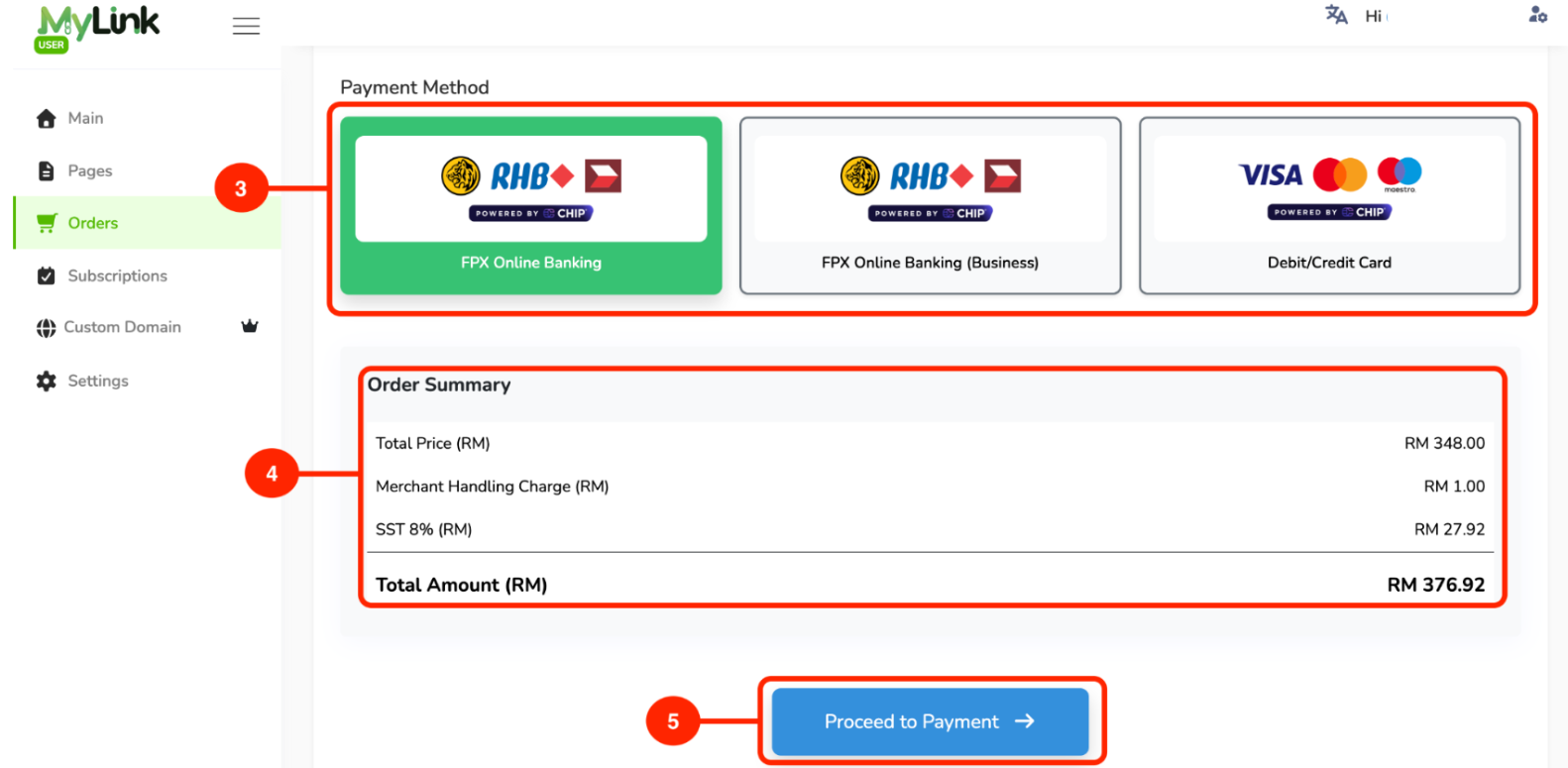
Select your payment method.
Check the order summary.
Click Proceed to Payment.
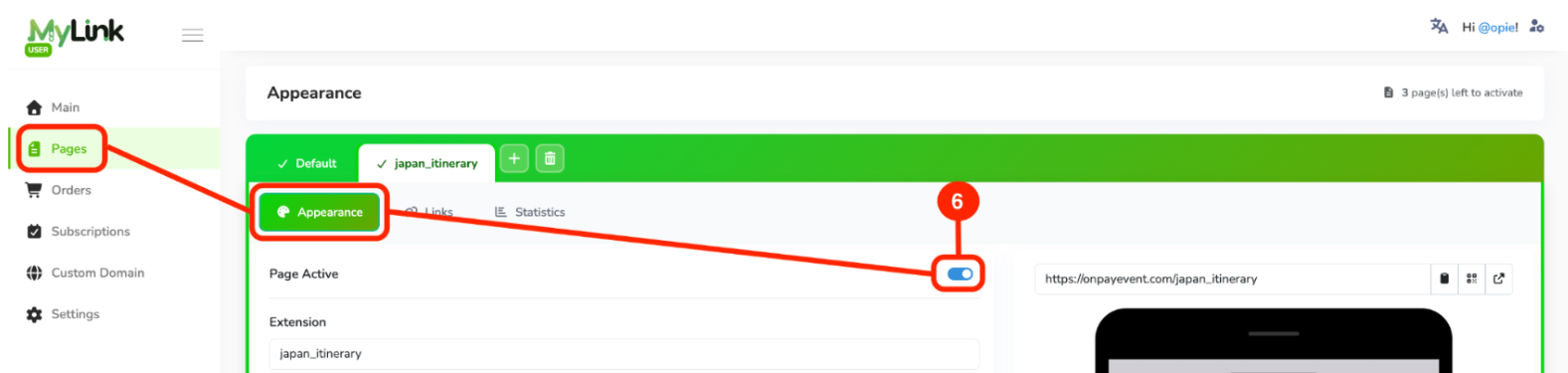
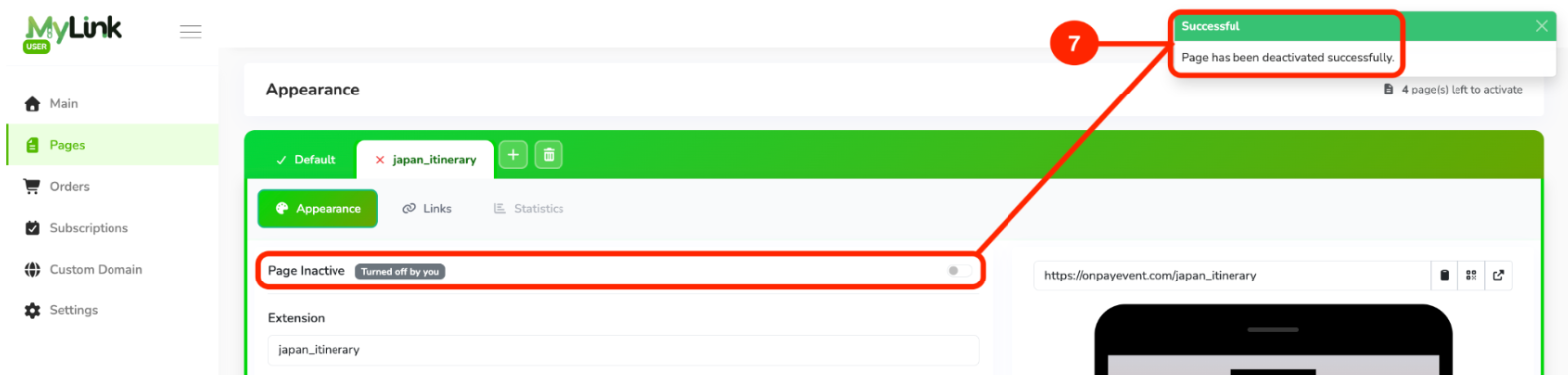
After subscribing to the Premium Package, go to the Pages Tab then Appearance, then unclick Page Active button to lock the page.
After you disable the Page Active button, the Successful notification will be displayed.
Page 2 of 2 · Page